Plant Identification App Free: How to Find the Right Tool for Your Garden
Looking for a plant identification app free to use? Learn what features to prioritize, how free tools work, and tips to ID plants accurately for your garden.

Plant Identification App Free: How to Find the Right Tool for Your Garden
Have you ever walked around your yard, stared at a mature tree you inherited when you moved in, and wondered exactly what it is? Whether you’re troubleshooting yellowing leaves, figuring out pruning schedules, or just curious about your landscape, a plant identification app free to use can be a game-changer for new gardeners. This guide breaks down what to look for in a free tool, how to use it accurately for common garden trees, and how to turn ID results into actionable care plans for your outdoor space. If you want help comparing options, our breakdown of the best free plant care app picks walks through how to choose the right one.
What to Expect From a Plant Identification App Free to Use
First, it helps to set realistic expectations for any free app to identify plants. Most free tools rely on image recognition trained on thousands of plant photos, combined with user or botanical contributor databases, to match your photos to a species. For common, widely cultivated garden trees like maples and firs, these tools often deliver reliable results with minimal effort.
You won’t typically get every premium feature in a free plant app, but you will get core ID functionality for casual use. Some free tools may limit the number of identifications you can make per day, or show ads to support the free service. For gardeners who only need to ID a handful of existing landscape plants, these limits are rarely a problem.
One popular free option is PlantNet plant identification, a community-driven tool that pulls from user submissions and researcher-verified data to ID both cultivated garden plants and wild species. Other free tools may have more of a focus on common garden varieties, so you can pick one that aligns with how you plan to use it.
Top Features to Look For in a Free App to Identify Plants
Not all free ID tools are built the same. Prioritize these features to make your tree identification process smoother:
- Multi-part photo submission: The best plant id app options let you upload multiple photos of different tree parts (leaves, bark, flowers, overall growth habit) instead of just one leaf shot. This drastically improves accuracy for trees that look similar when only one feature is visible.
- Basic care details included: Look for a tool that includes core care info right in the ID results, like sun requirements, water needs, and mature size. This saves you a separate search after you figure out what tree you have.
- Toxicity notes: If you have dogs, cats, or small children that spend time in your yard, a tool that flags toxic vs. pet-safe plants is a valuable bonus.
- Offline functionality (optional): If you have a large rural property with spotty cell service, look for a free plant identifier app for iPhone or Android that lets you save photos to ID later when you have service.
You don’t need every fancy feature for basic garden tree ID, but these four will make the process far more useful for long-term garden planning.
4 Common Garden Trees You Can ID With a Free Plant App
Free ID tools excel at identifying widely planted landscape trees, including many popular maple and fir varieties. These four trees are some of the most common in residential yards, and are easy to ID with a clear photo:
- Flame Amur Maple: This small to medium maple has bright red fall foliage, and is often planted as a compact accent tree. Its three-lobed leaves and dense, rounded growth habit are easy for most free ID tools to pick up, especially if you upload a photo of its leaves in summer or fall.
- Bloodgood Japanese Maple: One of the most popular Japanese maple varieties, this tree has deep burgundy leaves that hold their color all summer, and grows to a mature height of 15 to 20 feet. Free tools can easily distinguish it from other maples if you include a photo of its distinct, finely cut leaves in your submission.
- Blue Spanish Fir: This striking evergreen has stiff, silvery-blue needles arranged in a radial pattern around its branches, and a narrow, conical growth habit. Most free ID tools will pick up its unique needle color and shape immediately, even if you only submit one clear photo of a branch.
- Golden Fullmoon Maple: This maple has broad, rounded leaves that turn bright golden-yellow in spring and fall, and thrives in full sun with consistent moisture. Its distinct leaf shape makes it a straightforward ID for most free tools, especially if you include a photo of its foliage next to a shot of its smooth, gray bark.
How to Get the Most Accurate Results When You Use an App Identify Plants
Even the best free ID tool will only be as accurate as the photos you submit. Follow this simple step-by-step process to get reliable results every time:
- Take photos in natural, indirect light: Avoid bright midday sun that washes out leaf color, or dark shadow that hides key details. Overcast days are perfect for tree ID photos, as the light is even and won’t distort leaf shape or texture.
- Capture multiple tree parts: Take one clear close-up of a single leaf or needle cluster, one photo of the bark on a mature branch, one shot of the tree’s overall shape and size from 10 to 15 feet away, and a photo of any flowers, seeds, or new growth if present.
- Avoid extra clutter in your shots: Crop out mulch, grass, tools, or other plants from the edge of your photos so the app only analyzes the tree you want to ID.
- Cross-reference results for similar species: If the app returns multiple similar maple varieties, compare the listed mature size and care needs to the tree in your yard to narrow down the correct match.
Free Plant Identifier App for iPhone vs. Android: What to Know
Most popular free plant ID apps are available for both iOS and Android, but there are a few small differences to keep in mind if you’re shopping for a tool.
Free plant identifier app for iPhone options often integrate with Apple’s Photos app for easier photo uploads, and may work with Siri for voice-activated searches. Android tools may have more flexible offline storage options, and integrate with Google Photos for seamless access to photos you took while walking around your yard.
In most cases, the core ID functionality is identical across both platforms. If you switch between phone types regularly, pick a tool that offers cloud sync so you can access your past ID results on any device. Always check the current app listing for your device to confirm feature availability before downloading.
How Sproutly Complements Free Plant ID Tools for Long-Term Care
Once you’ve identified your garden trees with a free ID tool, Sproutly helps you turn that name into a customized care plan for your specific landscape. After you confirm the species of your maple or fir, you can add it to your personal Sproutly plant library, and get tailored reminders for pruning, fertilizing, and watering based on your local climate and the tree’s specific needs.
Sproutly’s plant encyclopedia also includes detailed, verified care info for hundreds of common garden trees, so you can cross-reference any ID results you get from a free tool to confirm care requirements and troubleshoot common issues like leaf scorch or pest damage. For gardeners who want to move beyond basic identification to growing healthy, thriving trees, Sproutly fills in the gaps that free ID tools leave open.
Common Misconceptions About Free Plant Identification Tools
There are a few persistent myths about free ID tools that keep some gardeners from using them. Let’s clear up the most common ones:
- Myth: Free tools are never accurate for garden trees. As we noted earlier, free tools are often very accurate for common cultivated trees like maples and firs, especially when you submit multiple clear photos. Rare or specialty varieties may require cross-referencing, but most residential landscape trees are easy for free tools to ID.
- Myth: You have to create an account to use a free app. Many free ID tools let you use core identification features without creating an account, though you may need to sign up if you want to save your past ID results for future reference.
- Myth: Free tools only work for flowers and houseplants. While many free ID tools include houseplant and wildflower databases, most also have extensive libraries of common landscape trees and shrubs, so they work just as well for outdoor garden use.
FAQ
Is a free plant identification app accurate enough for garden trees?
Free plant ID tools are often accurate for common, widely cultivated garden trees like maples and firs, especially if you upload clear photos of leaves, bark, and growth habit. For rare or less common varieties, you may want to cross-reference results with a trusted plant encyclopedia.
Do I need to pay for extra features to use an app identify plants?
Many free apps offer basic identification features at no cost, which is sufficient for most casual gardeners. Paid upgrades often include extra features like personalized care tips or priority support, but are not required for basic ID needs.
Can I use a free plant identifier app for iPhone to ID pet-safe garden trees?
Yes, many free plant ID apps note if a plant is toxic or pet-safe in their results. For example, most Japanese maple varieties are pet-safe, which you can confirm with a quick ID check and cross-reference with a reliable plant care resource.
How is PlantNet plant identification different from other free ID tools?
PlantNet is a community-driven free ID tool that relies on user submissions and botanical researcher contributions to identify plants, making it a popular option for both common and wild plant species.
Next Steps to Start Identifying Your Garden Plants for Free
You don’t need to spend money on expensive garden consultations to figure out what’s growing in your yard. Start by walking around your property and taking clear photos of any unlabeled trees, focusing on the key details we outlined earlier. Download a free ID tool that has the features you prioritize, and run your first few ID checks.
Once you have your confirmed tree species, use Sproutly to build a care plan that keeps your new trees healthy for years to come. You can save all your tree profiles in one place, get custom care reminders, and access verified care info for every tree in your landscape.
Ready to turn your ID results into actionable garden care? Try Sproutly today to manage all your garden plants in one simple tool.
Related Reading
More guides you may like
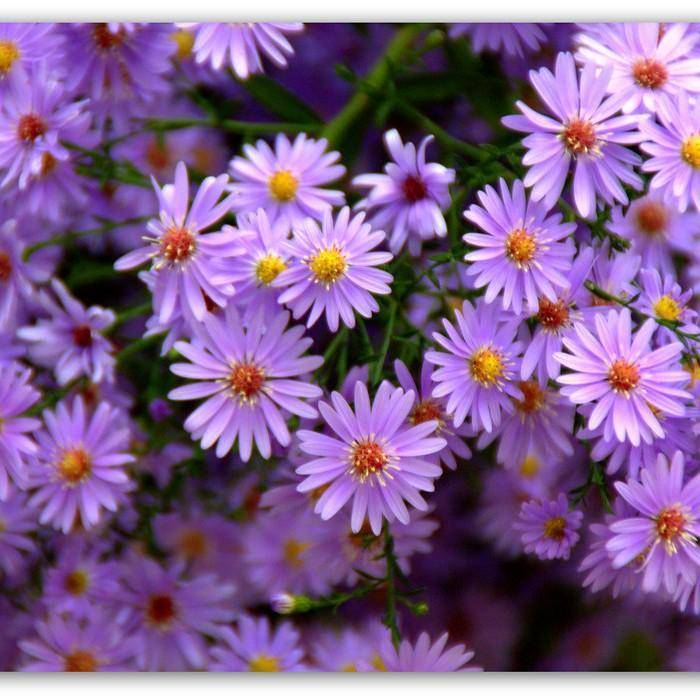
Aster Tataricus: Complete Growing, Care, and Usage Guide
Learn how to grow and care for aster tataricus (Tartarian aster), including its sun needs, medicinal uses, pet safety, and popular Jindai cultivar details.
2026-07-28 · 10 min read
Plant Games: 25+ Best Options for Casual Play, Learning, and Plant Lovers
Explore the best plant games for mobile, desktop, and console, including casual picks, learning-focused titles, and cozy options for every type of plant enthusiast.
2026-07-27 · 17 min read
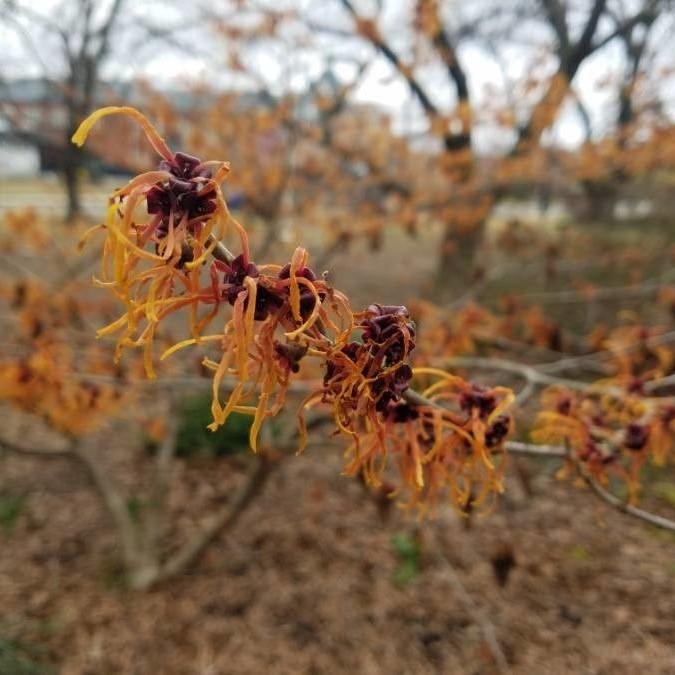
Hamamelis Mollis (Chinese Witch Hazel): Complete Grow & Care Guide
Learn to grow, care for, and enjoy Hamamelis mollis (Chinese witch hazel), a fragrant winter-blooming shrub with vibrant autumn foliage for temperate gardens.
2026-07-26 · 12 min read