Picture This Plant Identifier: How It Works, When to Use It, and Why It’s a Gardener’s Best Friend
Learn how a picture this plant identifier works to name unknown plants, spot sick tree issues, and identify plants with your iPhone, plus pro tips for accurate results.

What Is a Picture This Plant Identifier, and Who Is It For?
A picture this plant identifier is an AI-powered tool that identifies unknown plants from user-uploaded photos. It works for casual plant lovers, new home gardeners, and experienced horticulturists alike, and the core feature of many tools to identify plants app is this visual identification functionality.
If you’ve recently moved into a home with an established yard, you’ve likely stared at an unlabeled tree or shrub and wondered what it is, what care it needs, or if it’s safe for your dog to chew on. Maybe you’ve spotted a striking tree on a neighborhood walk and wanted to plant one in your own yard, or received a houseplant gift with no care tag. This type of photo-based identification tool solves all those problems in seconds, no formal horticulture training required. To get reliable results, pair it with our guide on how to identify plant species accurately.
How to Identify Plants With iPhone Using a Photo-Based Plant ID Tool
Using this type of tool to identify plants with iPhone takes just three simple steps, no special equipment needed:
- Take a clear, well-lit photo of the plant’s most distinct feature. For trees, this could be lobed leaves, unique bark, flowers, or fruit, depending on the season and species. Avoid covering the plant with your hand, and position the camera so the key feature takes up most of the frame.
- Upload the photo to the app and wait for identification results. Most tools return matches in 10 seconds or less, often with multiple possible options ranked by confidence level.
- Cross-check the suggested matches against your plant’s growing conditions (sun exposure, location, size) to confirm accuracy. If the app suggests a shade-loving tropical plant but your tree is growing in full sun in a Michigan yard, you can rule that match out quickly.
A quick pro tip: Avoid blurry photos or shots with lots of background clutter to get better results from any tool that lets you identify plants with iPhone. Sproutly’s plant identification tool works seamlessly on iPhone for this exact use case, with an intuitive camera interface that guides you to capture the best possible photo for matching.
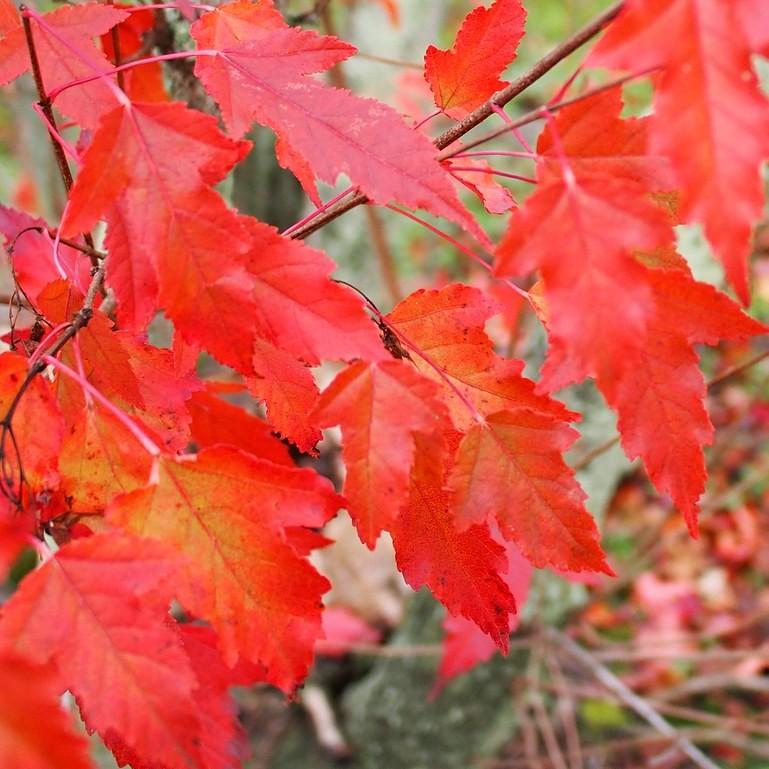
4 Common Maple Trees You Can Name With a Picture This Plant Identifier
Maple trees are some of the most common landscape plants in North America, but many new gardeners struggle to tell popular varieties apart. A photo-based identification tool can cut through the confusion by matching distinct visual features to verified plant profiles. All four of these varieties are outdoor, full-sun, humidity-loving, and pet-safe, so you can cross-reference those details with the identifier’s results to confirm you have the right match:
- Bloodgood Japanese Maple: One of the most popular ornamental maples, this variety is easy to spot for its deep red foliage that holds its color from spring through fall. It grows to 15-20 feet tall at maturity, making it a common choice for small front yards and patio plantings.
- Beni Kawa Coral Bark Japanese Maple: This variety stands out most in winter, when its leaves drop to reveal bright coral-red bark that adds color to dormant landscapes. Its leaves are light green in spring and turn golden-yellow in fall, so the identifier may rely on bark photos for winter matches.
- Flame Amur Maple: A medium-sized variety that grows 15-20 feet tall, this maple is best known for its fiery red and orange fall foliage that looks like a burst of flame in the landscape. It’s also drought-tolerant once established, making it a popular choice for drier regions.
- Mocha Rose Big Leaf Maple: This variety has extra-large, glossy lobed leaves with a subtle reddish tint to new growth, and it grows much larger than the ornamental Japanese maple varieties, reaching up to 50 feet tall at maturity. The tool will usually pick up on the size of the leaves first to distinguish it from smaller maple varieties.
Is a Picture This Plant Identifier the Best Plant App for Sick Plants?
A basic photo identification tool will name your plant, but many tools (including Sproutly) go a step further to help diagnose common plant health issues, which makes them a strong contender for the best plant app for sick plants.
For example, if your Japanese maple has brown, curling leaves, you can upload a photo of the damaged foliage to get not just the plant ID, but tailored guidance on what might be causing the issue. Common culprits for Japanese maple leaf damage include too little water, sun scorch from unseasonably hot afternoons, or even aphid infestations, and the app will walk you through how to confirm the cause and fix it before the damage spreads.
The best plant app for sick plants will combine accurate identification with care troubleshooting advice, so you don’t have to search for care tips separately after you name your plant. This cuts down on the risk of following generic advice for the wrong species, which can make health issues worse.
Pro Tips to Get More Accurate Results From Your Photo Identification Tool
No plant identification tool is 100% perfect, but these four actionable steps will drastically reduce the chance of a wrong match:
- Take multiple photos of different parts of the plant (leaves, bark, flowers, overall shape) instead of just one shot. For example, a photo of a maple leaf alone might match a dozen varieties, but adding a photo of the bark and the tree’s overall size will narrow matches down significantly.
- Note the plant’s location and growing conditions (outdoor full sun, partial shade, etc.) to narrow down matches. Many tools let you add this information manually when you upload a photo, which helps the algorithm rule out species that can’t grow in your climate or light conditions.
- For deciduous trees, take photos in multiple seasons if possible (fall foliage, winter bark, spring new growth) for clearer matches. Some varieties are almost indistinguishable in summer, but have wildly different bark or fall color that makes them easy to identify in other seasons.
- Cross-check the app’s results with a trusted plant encyclopedia (like Sproutly’s) to confirm care requirements match what you’re seeing in your yard. If the app suggests a variety that needs weekly watering but your tree has thrived on monthly rain for years, you may need to look at lower-confidence matches to find the right ID.
What to Do After Your Tool Names Your Plant
Once you have a confirmed ID, these next steps will help you keep your plant healthy long-term:
- Save the plant to your in-app care tracker if your tool has that feature, so you can get personalized care reminders for watering, pruning, and fertilizing based on your local climate.
- Look up its specific care requirements (water needs, sun preferences, pruning tips) to adjust your routine as needed. For example, if you learn you have a Flame Amur Maple, you’ll know to avoid heavy pruning in late fall, which can damage the branches before winter.
- If you identified a sick plant, follow the app’s troubleshooting guidance to address the issue as soon as possible. For minor issues like sun scorch, this may be as simple as adding a temporary shade cloth during heat waves; for pest infestations, you may get specific product recommendations that are safe for your plant variety.
Sproutly automatically pulls up tailored care guides for every identified plant, so you don’t have to go searching for information elsewhere once you get your ID result.
Final Thoughts on Using a Photo-Based Plant Identifier for Your Yard
A picture this plant identifier is a simple, accessible tool for gardeners of all skill levels, whether you’re trying to name a random tree in your new yard, figure out why your maple is struggling, or learn more about the plants you see on walks. The best tools to identify plants app don’t just give you a name — they give you the actionable care advice you need to help your plants thrive, and that’s exactly what Sproutly is designed to do.
FAQ
How accurate are photo-based plant identifiers for trees?
A picture this plant identifier can be very accurate for common tree species if you upload clear photos of distinct features like leaves, bark, or flowers. For best results, cross-check results with a trusted plant encyclopedia to confirm the species’ growing conditions match your plant’s location.
Can I use a photo-based plant ID tool to identify plants with iPhone offline?
Offline functionality varies by app, so check the current app listing for your chosen identify plants app to see if it supports offline photo uploads. Most tools require an internet connection to pull plant data and match your photo to their database.
Is a photo-based plant ID tool the best plant app for sick plants?
Many picture this plant identifier tools include health diagnosis features, so they can be a great option for sick plants. Look for an app that combines accurate identification with tailored troubleshooting advice for common plant issues to get the most value.
Can a photo-based plant ID tool tell me if a plant is pet-safe?
Most reputable plant identifier apps include toxicity information in their plant profiles, so yes, a picture this plant identifier can often tell you if a plant is safe for dogs or cats. Always cross-check that information with your vet if you’re unsure, especially if your pet tends to chew on plants.
Ready to identify the maples (and every other plant) in your yard, diagnose sick trees, and get personalized care tips all in one place? Try Sproutly today to turn your plant questions into actionable, easy-to-follow guidance.
Related Reading
More guides you may like
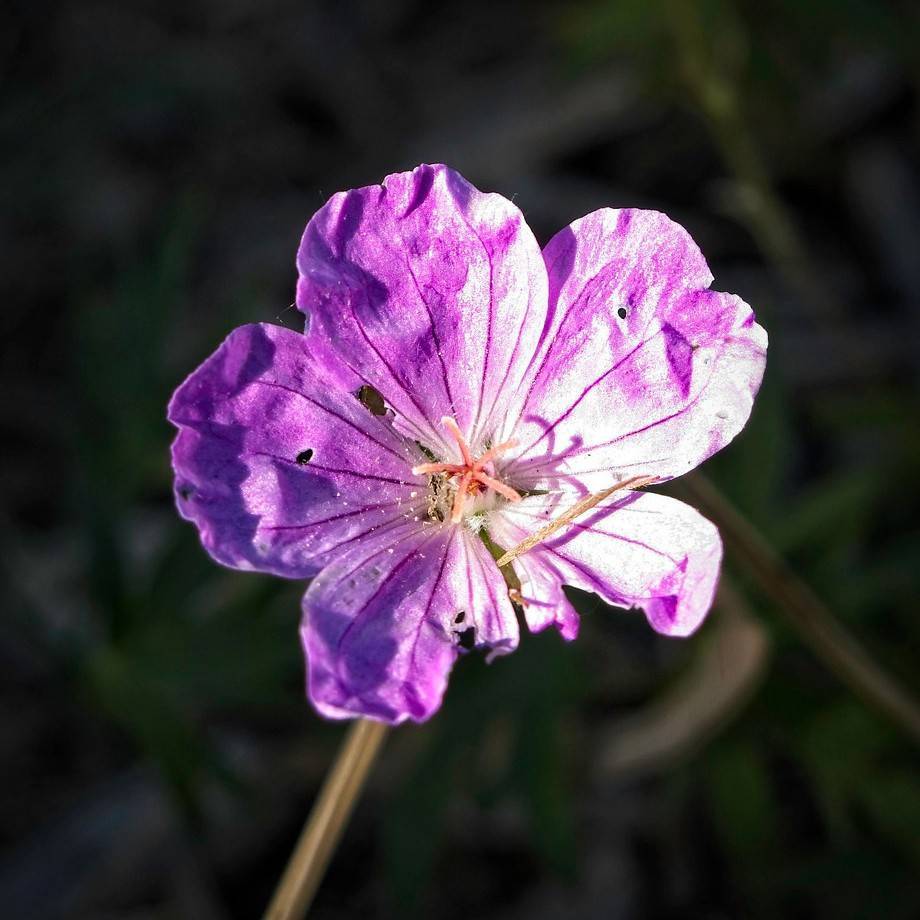
Bloody Cranesbill: Complete Care, Growing Guide, and Garden Ideas
Learn how to grow and care for bloody cranesbill (Geranium sanguineum), a low-maintenance, pollinator-friendly perennial ground cover for temperate gardens.
2026-07-29 · 11 min read
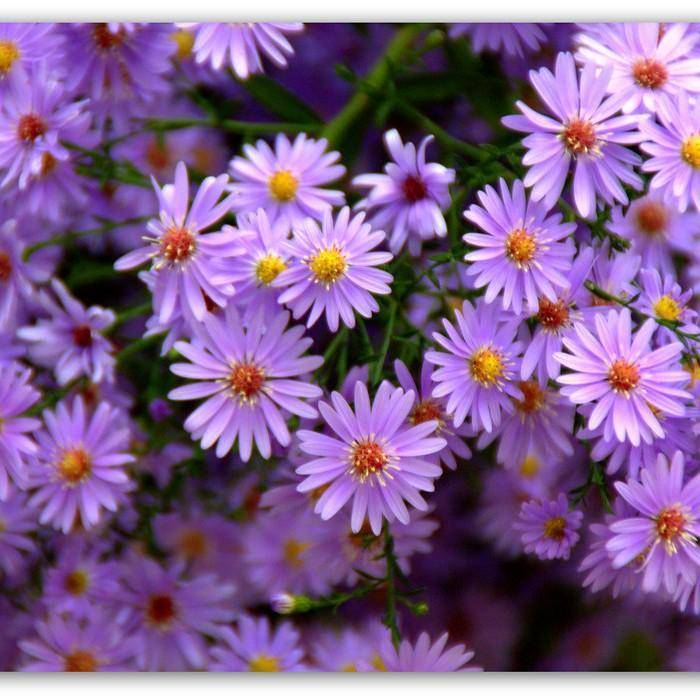
Aster Tataricus: Complete Growing, Care, and Usage Guide
Learn how to grow and care for aster tataricus (Tartarian aster), including its sun needs, medicinal uses, pet safety, and popular Jindai cultivar details.
2026-07-28 · 10 min read
Plant Games: 25+ Best Options for Casual Play, Learning, and Plant Lovers
Explore the best plant games for mobile, desktop, and console, including casual picks, learning-focused titles, and cozy options for every type of plant enthusiast.
2026-07-27 · 17 min read