Gemini Omni 與 Veo 4 植物影片製作:2026 Google I/O 給植栽愛好者的最新更新
Google 在 2026 I/O 大會發表的 Gemini Omni 和 Veo 4 影片生成模型,讓植物縮時攝影與照護回顧影片的製作成本幾乎為零。本文將比較它們與 Seedance 3.0、2.1 的差異,告訴你不同需求適合使用哪款工具。
Gemini Omni 與 Veo 4 植物影片製作:2026 Google I/O 給植栽愛好者的最新更新
2026 年的 Google I/O 大會某種程度上根本是場變相的影片生成技術發表會。其中兩項最具影響力的公告——Gemini Omni(輕量版 Omni Flash 已即刻上線)與下一代 Veo 4 模型——都瞄准了同一個使用場景:用少量靜態照片產生流暢自然、動態豐富的短片。而這個場景恰好對應了植物照護領域最讓人頭痛的缺口之一:「我有一盆漂亮的植物,手機裡滿是它的照片,卻找不到好方法把這些照片變成影片。」
這篇指南會解釋 Gemini Omni 和 Veo 4 的實際功能、比較它們和我們先前介紹過的 Seedance 3.0 與 Seedance 2.1 模型差異,並告訴你想把植物照片轉成影片時該選擇哪款工具。
Google 在 2026 I/O 大會發表的 AI 影片技術新功能
這次 I/O 2026 推出了兩款不同的影片模型,各自針對不同的使用需求設計。
Gemini Omni:支援任意輸入格式的影片生成工具
Gemini Omni 是 Google 全新的多模態影片模型。官方公告將其定位為「從任意輸入內容創作任何素材,優先支援影片輸出」。實際上,Omni 可以同時接收文字提示詞、靜態照片、音訊片段和參考影片,單次運算就能產生同步的影片輸出。
對植物內容創作來說,最實用的功能包含:
- 多模態輸入:你可以匯入單張植物照片,或是一小組標註拍攝日期的照片,再加上描述場景的文字提示詞即可。
- 物理效果優化:重力、動能、流體力學的呈現比舊款模型更自然,能更真實地呈現葉片晃動、水滴流動的樣子。
- 對話式編輯:每次的編輯指令會基於前一次的結果疊加調整,你不需要重新開始就能逐步微調植物短片的效果。
- 角色/物件一致性:同一盆植物在整部短片中都會維持一致的外觀,不會出現外型緩慢變形的問題。
Omni 系列的首個輕量版本 Omni Flash 已經開放 Gemini app、Google Flow 和 YouTube Shorts 使用,完整版 Gemini Omni 則會在接下來幾週內上線。
Veo 4:更長的影片長度與原生 4K 輸出
2026 I/O 影片技術的另一個重點是下一代 Veo 模型。Veo 3.1 和 Veo 3.1 Lite 已經在 Vertex AI 上正式營運,其中 Veo 3.1 Lite 的定價還不到 Veo 3.1 Fast 的一半。根據 I/O 2026 前針對創作者的新聞預覽,Veo 4 預計會帶來更長的生成時長(最長 20–30 秒,相較 Veo 3.1 的約 10 秒)、無需升頻的原生 4K 輸出、可透過 3–5 張參考圖片實現基於 ID 嵌入的角色/物件一致性,以及多層次音訊生成功能。
對植物內容來說,Veo 4 的 ID 嵌入功能是最關鍵的突破:匯入 3–5 張同一盆植物不同時期的照片,模型會將它們視為「同一盆植物」的參考依據,而不是 5 盆長得剛好很像的不同植物。
與 Seedance 3.0、Seedance 2.1 的定位差異
如果你看過我們的 Seedance 3.0 + Seedance 2.1 完整指南,應該已經對 Omni 和 Veo 4 的功能有基本概念——它們是 Google 推出、與字節跳動 Seedance 系列同個領域的對應產品。兩個產品的技術發展方向也正在趨同:更長的輸出時長、原生 4K、一致的角色/物件外觀、整合音訊生成,以及大幅降低每秒影片的生成成本。
對植栽愛好者來說,這顯然是個好消息:當多個研發團隊朝同一個方向競爭,底層模型就會變成普及的基礎技術,產品的差異化會轉向「哪款 app 能把模型和你個人獨特的植物故事結合得最好」。
這項更新對植物內容創作的影響
2026 I/O 之後的新模型生態,會讓以下三種常見的植物影片格式變得好做非常多。
動態照片與照護回顧影片製作成本大幅降低
最簡單的影片格式——把單張植物靜態照片變成 6–10 秒、有真實葉片晃動和環境光影變化的動態短片——現在成本低到你可以幫整個收藏的每盆植物都做一支,而不只能替最喜歡的那一盆做。Omni Flash 和 Veo 3.1 Lite 針對這種格式的定價幾乎等於免費。
「照護回顧」短影片也是同理:5–10 張標註日期的同一盆植物照片,可以變成 15–20 秒的蒙太奇短片。透過 Veo 4 的 ID 嵌入或 Omni 的物件一致性功能,植物在整部短片中都會維持相同的外觀,這正是舊款圖片轉影片工具最大的缺點。
季節成長故事影片更長、畫質更清晰
原生 4K、更長的輸出時長與音訊整合,三者結合後非常適合製作「季節成長故事」格式:60–90 秒的多鏡頭影片,呈現單盆植物或整個花園一整季的變化。你只要匯入 15–30 張關鍵節點的照片——冒芽、長滿葉片、秋季變色、休眠——模型就能產生一部連貫的敘事短片,維持物件外觀一致性、可選擇加入旁白,每片葉子都有 4K 等級的細節。
這種格式很適合做成年底的成長回顧,值得多花一點運算成本製作。
多盆植物的廣角畫面一致性更高
舊款模型經常會讓相鄰的植物互相變形,或是在真實植物之間憑空生出不存在的葉子。Omni 具備物理感知的多物件處理能力,加上 Veo 4 的 ID 嵌入功能,都大幅減少了這種狀況。現在你可以把擺了 5 盆不同植物的層架廣角照,變成鏡頭緩慢移動的導覽短片,不會出現影片看到一半某盆植物變成另一盆的狀況。
Gemini Omni vs Veo 4 vs Seedance 植物影片製作比對:選擇最適合的模型
現在已經沒有「萬用的最佳模型」了,不同需求要選擇不同的工具:
| 目標 | 最適合工具 | 原因 |
|---|---|---|
| 替單張照片加上動畫(單盆植物、單片葉子) | Veo 3.1 Lite 或 Omni Flash | 最便宜、最快,對來源圖片的還原度很高 |
| 在植物檔案頁面嵌入循環播放的「動態照片」 | Omni Flash | 速度快、動態效果可預測,運算需求低 |
| 用 4–8 張照片製作 10–15 秒的照護回顧 | Gemini Omni 或 Seedance 2.1 | 支援多圖輸入 + 物件一致性 |
| 製作單盆植物 60–90 秒的季節成長回顧 | Veo 4 或 Seedance 3.0 | 支援長影片、原生 4K、長時間維持物件外觀一致 |
| 多盆植物收藏的廣角導覽影片 | Veo 4 | ID 嵌入功能可維持每盆植物的外觀獨立不變形 |
| 快速分享給朋友(「你看它長多大了」) | Omni Flash | 10 秒就能產出,支援手機直向畫面比例 |
概念很簡單:Omni Flash 和 Veo 3.1 Lite 適合用來記錄片刻,Gemini Omni 和 Veo 4 適合用來說故事。Seedance 則是字節跳動推出的對應產品,各方面表現都很有競爭力——你可以參考我們的 Seedance 3.0 + 2.1 完整指南 看更詳細的比較。
如何用 Gemini Omni 製作植物成長影片(步驟教學)
如果你現在就想嘗試用 Gemini Omni 製作植物影片,可以參考以下實際操作流程:
- 先辨識植物品種:知道植物品種很重要,因為不同植物的生長速度和外觀變化模式不同,你也可以把品種名稱加入提示詞中。你可以使用 Sproutly 線上植物辨識工具 或是 Gemini app 來辨識品種。
- 收集參考照片:如果要做「動態照片」短片,一張清楚的照片就夠了;如果要做照護回顧,準備 4–8 張標註日期、拍攝角度大致相同的同一盆植物照片;如果要做季節成長故事,就準備 15–30 張橫跨整個生長季的照片。
- 打開 Gemini app 或 Google Flow:2026 年這兩個服務都已導入 Omni 功能,其中 Google Flow 是專門的創作工作區。
- 使用結構化的提示詞:提供一個好用的範本:
主題:[植物品種名稱,例如龜背芋]。風格:寫實編輯風,柔和日光。動作:葉片緩慢晃動、鏡頭固定不動,環境光線從早晨逐漸變成下午的光線。場景:室內、中性背景。時長:[10秒 / 20秒 / 60秒]。長寬比:9:16(手機直向)。
- 生成、預覽、微調:Omni 的對話式編輯功能讓你可以直接說「朝新長出來的葉子加上緩慢的特寫拉近效果」或是「讓光線再溫暖一點」,不需要全部重來。
- 標註輸出內容由 AI 協助製作:植物和原始照片都是真實的,只有畫面之間的動態是生成的。標準做法是在影片說明中揭露這點,這是很常見的實務規範。
如果要使用 Veo 4 製作多照片回顧(預計幾個月內就會全面開放),流程也差不多,只要記得匯入 3–5 張參考照片,Veo 4 的 ID 嵌入功能就會在較長的影片中維持植物外觀的一致性。
仍需注意的限制(誠實標註很重要)
我們不會假裝這些技術是魔法,有三個注意事項值得特別說明:
- AI 影片是動態合成,不是攝影紀錄:植物和拍攝日期都是真實的,畫面之間的影格是生成的。永遠要揭露這點,要是觀眾覺得被欺騙,會嚴重影響信任。
- 模型可能會生成沒發生過的動作:葉子可能會往不符合現實的方向轉動,或是花朵在影片中間出現細微的外型變化。發布前請記得和你實際拍的照片比對確認。
- 長時間 4K 渲染仍需要可觀的運算成本:Veo 4 和完整版 Gemini Omni 雖然比前代產品便宜,但高畫質輸出並不是免費的。一般業餘使用的短 Omni Flash 短片基本上維持免費。
我們的不用攝影機架就能做植物縮時攝影指南有更詳細的照片拍攝技巧說明——好的原始照片不管搭配這篇提到的哪款模型,都能發揮更高的價值。
Sproutly 如何幫你把植物影片任務分配到最合適的模型
我們正在開發的 iOS 和 Android 版 Sproutly app 不會要求你自己選擇模型。2026 年最優秀的植物照護 app 模式,是讓使用者選擇「想要的內容類型」——「動態照片」、「照護回顧」、「季節成長故事」——再由 AI 植物照護 app 把任務分配到對應的後端模型。
具體來說:
- 動態照片 → 用 Omni Flash 或 Veo 3.1 Lite(生成當下哪個成本更低就用哪個)。
- 照護回顧 → 用 Gemini Omni 或 Seedance 2.1,哪個對該組植物照片的一致性效果更好就用哪個。
- 季節成長故事 → 用 Veo 4 或 Seedance 3.0,實現 4K 長影片輸出。
你不需要在意實際是哪個模型在運算,只需要在意影片看起來是不是「你的植物」、是不是根據真實的日期照片講述真實的故事,以及影片是不是能儲存回你對應植物的時間軸裡,和其他照護事件放在一起。這正是 Sproutly 正在開發的植物影片 app 核心功能。
常見問題
Gemini Omni 真的能只用單張照片做出植物成長影片嗎?
可以,短影片是可行的。一張光線充足的單盆植物照片,可以變成 6–10 秒的動態短片,呈現真實的葉片晃動和環境光影變化。如果要做跨越時間的「真實」成長——從小植物變成大植物——你需要匯入多張標註日期的照片作為關鍵影格,Omni 的多模態輸入有支援這個功能。
對植物影片來說,Veo 4 和 Veo 3.1 有什麼不同?
Veo 3.1 最長只能生成 10 秒的 1080p 短片。Veo 4 預計最長可生成 20–30 秒的原生 4K 影片,具備 ID 嵌入功能,可透過 3–5 張參考照片維持角色/植物的外觀一致性,還有更豐富的多層次音訊。對植栽愛好者來說,最實用的升級是可以「用單一段 30 秒的連貫短片呈現單盆植物」,不需要把 3 段 10 秒的短片剪在一起。
製作植物影片時,Gemini Omni 或 Veo 4 比 Seedance 3.0 更好嗎?
它們屬於同一個產品類別,在主要評估面向(時長、解析度、一致性、音訊、成本)的表現都很有競爭力。Omni 和 Veo 4 更容易透過 Google 的消費者產品存取(Gemini app、Google Flow、YouTube Shorts),Seedance 3.0 則是字節跳動產品線目前的頂規選擇。如果要長期製作植物內容,選擇「能根據任務自動在不同模型之間調度的 app」,比你自己單選一款模型更重要。
Sproutly 現在有支援 Gemini Omni 或 Veo 4 嗎?
我們正在開發的 iOS 和 Android 版 Sproutly app,設計上就會根據你選擇的影片格式,將植物影片任務分配到最合適的模型——包含 Google 的 Gemini Omni 和 Veo 4,還有字節跳動的 Seedance 3.0 和 2.1。行動版 AI 植物照護 app 很快就會上線。heysproutly.com 的線上辨識工具是完整產品的公開預覽版,你現在就可以開始在上面累積照片收藏。
用 AI 生成植物影片會被提告或是被撻伐嗎?
只要你標註內容有 AI 協助就不會。植物是真實的,日期和照護事件是真實的,只有畫面之間的動態是生成的。這是真實時刻的精心剪輯,不是假內容。把揭露 AI 使用變成習慣就好——現在大部分平台都期望內容有 AI 標註,也會鼓勵遵守規範的創作者。
成本怎麼算?我需要每支影片都付費嗎?
一般業餘使用等級的 Omni Flash 和 Veo 3.1 Lite 短片基本上是免費的。完整版 Veo 4 和 Gemini Omni 的長時間 4K 渲染還是需要一點費用,但價格比起 Veo 2 和 Seedance 1.5 的時代已經降了大約 10 倍,而且價格還在持續下降。合理的 AI 植物照護 app 訂閱方案基本上都會包含「每盆植物每個月 1–2 支短片」的免費額度,更長的影片才需要付費升級。
現在就開始累積植物影像素材
不論你要用 Omni、Veo 4、Seedance、Sproutly,還是任何我們現在還沒提到的未來工具,最便宜的投資就是原始照片。打開 Sproutly 免費線上植物辨識工具,掃描你的第一盆植物,每次植物有明顯變化時就拍一張照片記錄下來。等到完整版行動 AI 植物照護 app 上線時,你的照片收藏就已經夠做出第一支動態照片、第一支照護回顧,甚至最後的第一支季節成長故事了。
如果想知道 2026 Google I/O 還有哪些和植栽愛好者相關的公告,可以參考我們的 2026 I/O 植栽愛好者重點整理。如果想更深入了解字節跳動的模型系列,可以看 Seedance 3.0 + 2.1 完整指南 和 不用攝影機架就能做植物縮時攝影教學。
延伸閱讀
你可能也會喜歡這些指南
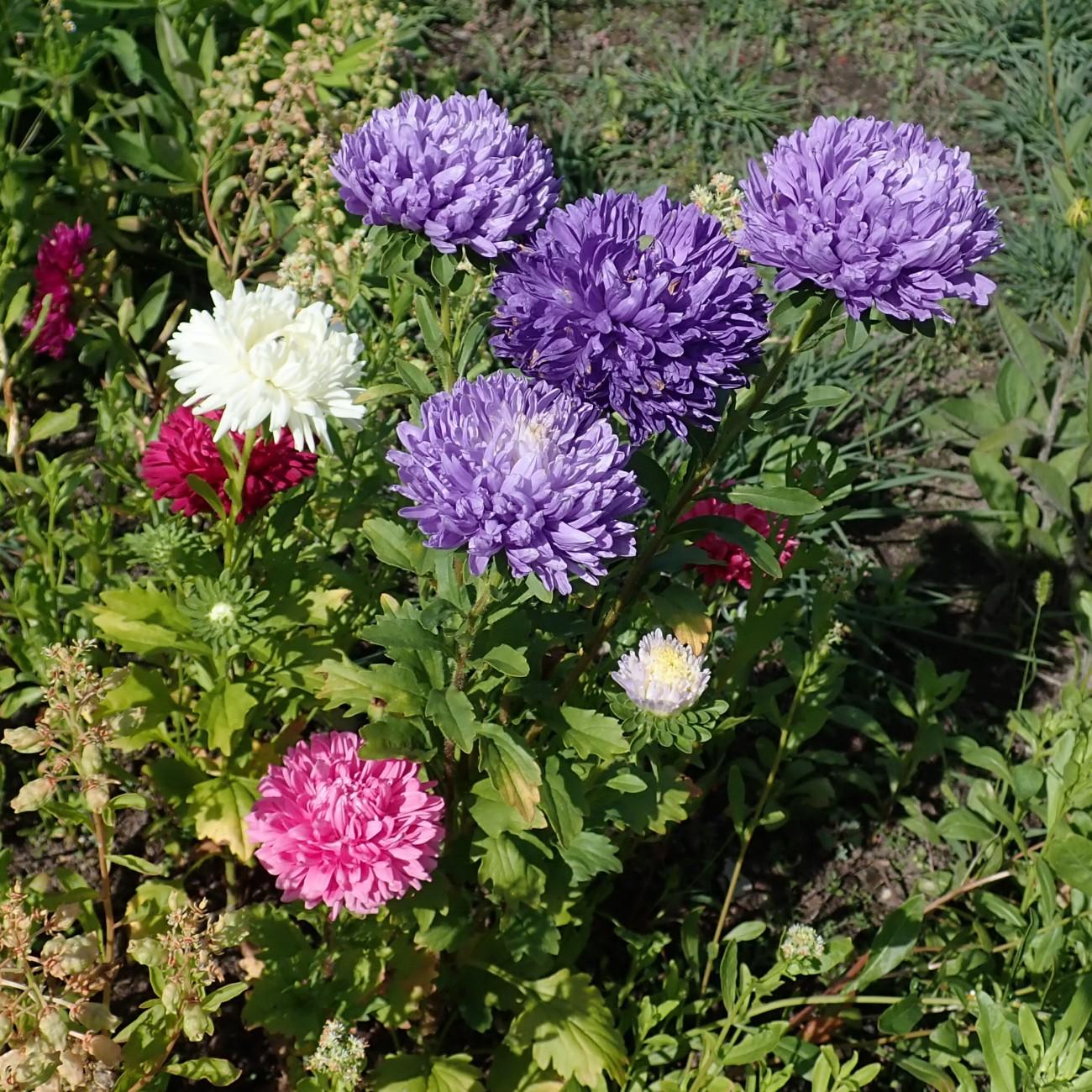
China Aster: Complete Care, Growing Guide, and Varieties
Learn how to grow and care for China aster (Callistephus chinensis), a pet-safe, full-sun flower that delivers long-lasting garden color for months.
2026-07-04 · 17 min read
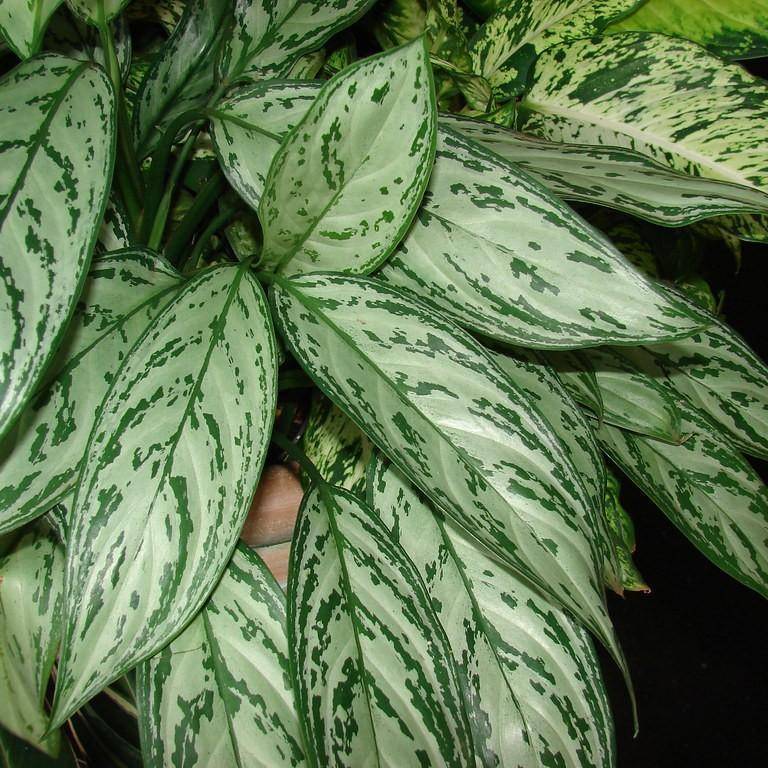
Chinese Evergreen: Care Guide, Varieties, and Growing Tips for Aglaonema
Learn how to care for Chinese evergreen (Aglaonema) houseplants, plus top varieties, troubleshooting tips, and pet safety details for this low-fuss indoor plant.
2026-07-04 · 14 min read
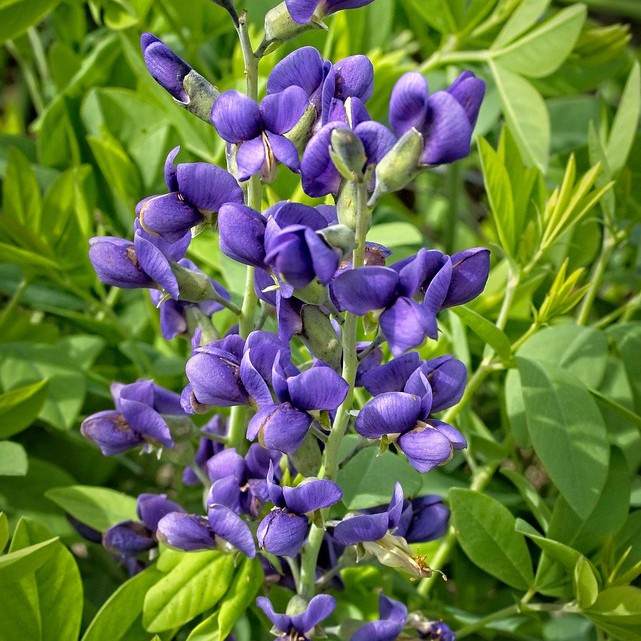
Caryopteris Clandonensis Heavenly Blue: Care, Size, and Growing Guide
Learn how to grow and care for Caryopteris Clandonensis Heavenly Blue, a pet-safe, flowering bluebeard shrub ideal for full-sun gardens.
2026-07-03 · 8 min read