AI 観葉植物動画作成ツール 2026年完全ガイド:観葉植物愛好家必見
AI植物動画ジェネレーターの実際の機能、Seedance 2.1とSeedance 3.0の違い、手持ちの観葉植物の写真を共有可能な動画に変換するのに最適なツールの選び方を解説します。
AI 観葉植物動画作成ツール 2026年完全ガイド:観葉植物愛好家必見
多くの観葉植物愛好家は、ビデオカメラ、三脚、リングライト、編集ソフトなどを持っていません。持っているのはスマホ、数鉢の植物、そして1週間に植物の手入れに充てられる約30分の時間だけです。こうした状況からこれまで「植物動画」が一般的に普及することはありませんでした。しかし2026年、Seedance 2.1やSeedance 3.0のようなAI画像→動画モデルの登場により、わずか数枚のスマホ写真からわずか数秒で自然な植物動画を作成できるようになり、状況が一変しました。
このガイドでは、AI植物動画ジェネレーターの正体、2026年版の選び方のポイント、そして撮影テクニックよりも植物そのものを大切にする人たちに向けてSproutlyがどのようにこの機能を提供しているのかを解説します。
AI植物動画ジェネレーターとは?
AI植物動画ジェネレーターは主にモバイル向けに開発されたツールで、1枚または複数の植物の静止画を入力すると、動きのある短い動画を出力します。動画に登場するのはあなたの植物そのもので、動きはAIモデルによって生成されます。
2026年現在「AI植物動画ジェネレーター」には大きく3種類の機能があります。ツールを選ぶ前に、自分がどの機能を必要としているのかを確認しておくと良いでしょう。
- 静止画→動画アニメーター:1枚の写真を入力すると短いクリップを出力します。葉のゆらめき、わずかなカメラの動き、周囲の光の変化などを自然に追加してくれます。1枚のお気に入りの植物写真を動かしたい場合に最適です。
- 複数写真まとめ動画ジェネレーター:撮影日時の異なる複数の写真を入力すると、1つにつなぎ合わせた動画を出力します。モデルが写真をキーフレームとして認識し、その間の成長や手入れの経過を自然に補完してくれます。
- 長編ナラティブジェネレーター:多数の写真に加えてプロンプト(指示文)を入力すると、60~90秒の複数ショットで構成された動画を出力します。複数のショットを通して同一の植物の特徴を維持し、音声が同期されたネイティブ4K動画を作成可能です。
現在販売されているほとんどのツールは①の機能を十分に実行できます。②の機能を安定して提供できるツールはそれほど多くありません。そして③の機能を実用レベルで使えるのは、最新世代のモデル、特にSeedance 3.0だけです。
ツールを支えるモデルの重要性
多くの「AI植物動画」アプリは自社でモデルを学習させているわけではありません。大手研究所が開発した動画生成モデルを基盤として、UIを追加し、プロンプトを調整しているだけの場合がほとんどです。そのためツールを選ぶ際は「どのアプリか」よりも「そのアプリが裏でどのモデルを使用しているか」が重要になります。
2026年現在、植物向け動画生成市場で主流のモデルは2系統です。
Seedance 2.1
Seedance 2.1はByteDanceの第2世代動画モデルファミリーのマイナーアップグレード版です。2026年2月にリリースされたマルチモーダル対応のSeedance 2.0をベースに、やや長めのクリップの安定性向上と生成後の調整機能の強化が図られています。植物コンテンツ向けの実用的なメリットは次の通りです:
- 10~20秒のクリップでスムーズでリアルな動きを再現
- マルチモーダル入力(テキスト+複数の参照写真)に対応
- 一度の生成でネイティブな音声も同時に作成
- コストが安く処理速度も速いため、お気に入りの1鉢だけでなくコレクション全体の動画を作成可能
Seedance 2.1は、1枚の写真をアニメーション化したり、植物プロフィール用のループする「生きた写真」を作成したり、撮影日の異なる4~8枚の写真をつなげて短い手入れ記録動画を作成したりといった日常的な用途に最適です。
Seedance 3.0
Seedance 3.0は世代を超えた進化を遂げたモデルで、より長く、ストーリー性の高い出力を目的として開発されました:
- 一度の生成でネイティブ4K出力に対応(アップスケール不要)
- 秒単位ではなく分単位の長編動画を生成可能
- ナラティブメモリーチェーンアーキテクチャにより、複数のショットを通して同一の植物を認識可能
- リップシンク、環境音、音楽をリアルタイムで動画に同期
- 液体、布、葉のしなりなどの高度な物理演算に対応
- 同等の処理負荷でSeedance 2.0よりも速度とコスト効率が約10倍向上
植物コンテンツの場合、ただの短いループ動画ではなく、保存したり共有したりする価値のある60~90秒の季節ごとのまとめ動画を作成したい場合にSeedance 3.0が適しています。
各モデルがどのような用途に適しているかの詳細な比較については、弊社の基幹ガイドをご覧ください:植物動画向けSeedance 3.0とSeedance 2.1の比較
2026年版AI植物動画ジェネレーターの選び方
基盤となるモデルはもちろん、2026年に植物動画ツールを選ぶ際に重視すべき機能がいくつかあります。
1. 画像→動画機能を搭載していること(テキスト→動画専用ではない)
純粋なテキスト→動画機能は植物コンテンツには適していません。テキストだけで「日差しの差す部屋に置かれたモンステラ」と指示しても、モデルは「あるモンステラ」の動画を生成するだけで、「あなたのモンステラ」にはなりません。植物動画ツールの最大のメリットは自分の植物そっくりの動画を作れる点にあるため、まず写真を主要な入力として受け付ける画像→動画機能に対応していることを確認しましょう。
2. 複数写真入力(参照セット対応)が可能なこと
1枚の写真をアニメーション化するのは簡単な機能です。より価値が高いのは、同じ植物を時間をかけて撮影した5~15枚の写真を入力し、一貫性のあるつながった動画を出力できる機能です。参照セットに明示的に対応しているツールを選びましょう。Seedance 2.1は最大9枚の画像と3つの動画クリップの組み合わせに対応しており、Seedance 3.0ではさらに上限が拡大されています。
3. 植物同定機能が内蔵されていること
あまり知られていませんが、植物の種類を認識できるツールはより正確な動きを生成できるため非常に重要です。ポトスのツルの動きとフィドルリーフフィグの枝の動きは異なります。カエデが秋に見せる変化はサンスベリアにはありえません。Sproutlyが採用しているような植物同定機能と動画生成を組み合わせたツールは、汎用的な画像→動画アプリよりも格段に自然な出力を得られます。
使用するツールに同定機能が内蔵されていない場合は、先にSproutlyで植物を同定してから、種類名をプロンプトのヒントとして動画ツールに入力すると良いでしょう。
4. ネイティブ音声生成機能が搭載されていること(後付けの音楽ではない)
多くの旧来のツールは、生成した動画に単にストック音楽を重ねているだけです。Seedance 2.1/3.0世代のモデルはモデル内部で音声を生成し、同期された環境音、部屋の音、必要に応じてナレーション品質の音声を生成できます。これにより非常に自然な仕上がりになり、「TikTokテンプレート」のような画一的な印象を避けられます。
5. AI生成コンテンツであることを明記する表示機能があること
ほとんどのマーケティングページに記載されていない機能ですが、重要なポイントです。優れたAI植物動画ツールは、出力した動画がAIによって生成されたものであることを明記する機能を備えており、共有先の人がコンテンツの性質を理解できるようになっています。植物自体は実在のものでも、動きは生成されたものです。この区別が曖昧になると信頼が損なわれてしまいます。
6. 個別の栽培タイムラインと統合されていること
現在の市場で最大の課題は、ほとんどのAI動画ツールが「あなたの植物の手入れ履歴」を認識できない点です。これらのツールは孤立した写真から動画を生成するため、スキャン、水やり、植え替え、回復、新しい葉の展開、季節の変化といった一連の興味深いイベントの情報の90%が失われてしまいます。
Sproutlyのような植物ごとのタイムラインと統合されたツールであれば、適切な写真を自動的に抽出し、任意の静止画ではなく実際の手入れイベントを基に動画を組み立てることができます。
2026年現在実用的な植物動画の3つのユースケース
このカテゴリーはまだ新しいため、「現在実用的なもの」と「まだ開発段階のもの」を明確に区別しておく価値があります。
ユースケース1:1枚のメイン写真のアニメーション化
最も安定して利用できるユースケースです。1枚の明るく撮影された植物の写真を、Seedance 2.1を搭載したまともな画像→動画ツールに入力するだけで、6~10秒のゆったりとした自然な動きのクリップが得られ、まるで実際に撮影した動画のように見えます。
適した用途:植物プロフィールのカバー画像、商品ページ、「動く壁紙」風の柔らかいコンテンツ、観葉植物の美しい一瞬の共有。
ユースケース2:少量の写真セットからの手入れ記録動画
同じ植物を撮影した撮影日の異なる5~10枚の写真から、15~20秒の「これまでの経過」リールを作成できます。モデルが写真をキーフレームとして使用し、その間の成長や環境の変化を自然に補完します。Seedance 2.1を使用すれば、ポトス、モンステラ、フィロデンドロン、サンスベリア、多肉植物、シダなどの一般的な観葉植物のほとんどで安定した結果が得られます。
適した用途:1鉢の植物の月末・季節末のまとめ記録、引越しや植え替えのビフォーアフターストーリー、病害虫からの回復記録動画。
ユースケース3:複数植物のガーデンツアー
この用途は特にSeedance 3.0の得意分野です。コレクション内の複数の植物の写真に、部屋や庭の設定を記載したプロンプトを組み合わせることで、60~90秒の映画的なウォークスルー動画を作成できます。複数のショット、一貫性のある照明、オプションのナレーション、ネイティブ4Kに対応しています。
適した用途:年間のまとめ記録、不動産物件紹介風の「植物コレクションツアー」動画、少人数のフォロワー向けの保存価値の高いコンテンツ。
モバイルファーストとウェブファースト、どちらが良い?
レビューを読んでどのジェネレーターをインストールするか決める際に便利な判断基準があります:植物コンテンツはスマホ上で完結する、ということです。
- 写真はスマホに保存されている
- 手入れの記録(メモアプリ、カレンダーのリマインダー、専用の植物アプリなど形式は問わず)はスマホにある
- 植物動画の共有先もスマホを使っている
UIが優れたウェブファーストのAI動画ジェネレーターでも、写真をどこかにアップロードし、動画を生成してからスマホにダウンロードし直す必要があります。機能自体は問題なくても、手順に手間がかかります。
特に植物同定、手入れ記録、動画生成が1か所にまとまったモバイルファーストの植物ツールであれば、ワンタップで全作業が完了します。これが私たちがSproutlyを開発している方向性です。一度植物を同定し、通常通り手入れをして、動画が欲しくなったら「動画を作成」をタップするだけで済みます。
2026年版AI植物動画の正直な限界点
ツールを適切に選ぶためには、AI植物動画がまだできないことを知っておくことも重要です:
- 種類の特徴が完全に正確に再現されるとは限らない:モデルが葉の細かい模様を滑らかに補正したり、小葉の数を間違えて描画したりする場合があります。葉が細かいシダや斑入りの品種よりも、葉の広い熱帯植物の方が精度が高い傾向にあります。
- 超リアルな仕上がりには注意が必要:特にSeedance 3.0の精度は非常に高く、視聴者が動きが生成されたものだと気づかない場合があります。だからこそ、AI生成であることを明記する表示が重要なのです。
- 長編動画はまだ(比較的)コストがかかる:4Kで数分に及ぶSeedance 3.0の出力は半年前と比較すると大幅に安くなりましたが、無料ではありません。短いSeedance 2.1のクリップは趣味レベルの使用であれば事実上無料で利用できますが、長編のSeedance 3.0のリールは上位プランでの提供になる場合が多いでしょう。
- 生成動画は撮影した動画とは異なる:植物と撮影日は実在のものですが、その間のフレームは生成されたものです。AI動画は実際の瞬間をまとめた思い出のモンタージュとして扱い、記録映像として扱わないようにしましょう。
これらの前提を事前に理解しておくことで、ツールをより有効に活用できます。魔法のような成果を期待しているとがっかりするかもしれませんが、形式の特徴を理解して使用すれば、どのクリップからも価値を得られるでしょう。
Sproutlyのアプローチ
Sproutlyは第一に植物ケアアプリであり、第二に動画ツールです。この順序が重要で、動画機能の目的を決定づけています。
汎用的なAI動画ジェネレーターでは、SNSに投稿できるような印象的な出力を作成することが目的であり、植物はコンテンツの一部に過ぎません。
一方Sproutlyでは、あなたの日常的な植物の手入れを、あなた自身や共有相手にとって見える形にすることが目的です。植物が主役で、タイムラインがストーリーであり、動画はそれを再生するための1つの方法に過ぎないのです。
具体的な機能の流れは次の通りです:
- 同定:スマホの写真をSproutlyの同定ページでアップロードして植物を同定します。Sproutlyはその植物のプロフィールに種類、手入れ方法、毒性情報を紐付けます。
- 通常通り手入れをする:水やり、施肥、植え替え、回復のたびに、その時撮影した写真と共に日付付きのタイムラインエントリーとして記録します。
- 生成:植物のプロフィールで「動画を作成」をタップすると、短いクリップの場合はSeedance 2.1、長いストーリー性のあるまとめ動画の場合はSeedance 3.0で処理が実行され、結果が植物のタイムラインに保存されます。
あなたはモデルを選ぶ必要はなく、残したい瞬間を選ぶだけで良いのです。
よくある質問
2026年最高のAI植物動画ジェネレーターはどれですか?
単一の最適なツールというものは存在せず、あなたの具体的な用途に最適なツールが存在します。1枚の写真を短いクリップにアニメーション化するだけであれば、基盤にSeedance 2.1を使用しているツールならどれでも高速で正確な結果が得られます。複数の写真を使用したまとめ動画や長い季節の記録動画を作成する場合は、Seedance 3.0が現在最高の性能を持っています。1回限りのレンダリングではなく、動画を継続的な手入れ記録の一部にしたい場合は、Sproutlyのような植物向けに特化したツールが適しています。
AI植物動画ジェネレーターは実際の成長に対応できますか?それとも偽の動きだけですか?
注意点がありますが両方に対応できます。画像→動画モデルは、キーフレームの間に葉のゆらめき、周囲の光の変化、わずかなカメラの動きなどの自然な動きを追加しますが、キーフレームが実際の成長を記録したもの(1日目の小さな植物と30日目の大きな植物)であれば、モデルはその成長自体を補完します。表示される成長はあなたの実際の写真に基づいていますが、間のフレームは生成されたものです。
AI植物動画ツールを使うのに専門的な知識は必要ですか?
いいえ。現在の世代のツール(Sproutlyの今後リリースされる動画機能を含む)は、ワンタップまたは少数のプリセット「スタイル」を選択するだけで使用できるように設計されています。技術的な処理はモデル側で実行されるので、あなたは写真とストーリーを用意するだけで十分です。
AI生成の植物動画の長さはどのくらいが適切ですか?
ほとんどの用途では6~20秒が最適な長さで、これはSeedance 2.1の得意な範囲です。60~90秒以上の長い動画は季節のまとめ記録やガーデンツアーに適していますが、実際のストーリーを語れるだけの十分な期間の意味のある写真がある場合にのみ価値があります。
これは単なるギミックですか?それとも実用的な用途がありますか?
実用的な用途は「植物の手入れを可視化できる点」にあります。観葉植物の手入れは静かでゆっくりとした営みで、多くの人にとって最大の喜びは数週間にわたって散らばる5秒程度の瞬間に訪れます。AI植物動画はそれらをまとめて、実際に見たり共有したり後で振り返ったりできる形にしてくれます。派手なクリップではなく、自分自身の手入れの記録を可視化できる点が長期的な価値なのです。
基盤となるモデルについてもっと詳しく知るにはどうすれば良いですか?
弊社の基幹ガイドでSeedance 3.0とSeedance 2.1の詳細を解説しているほか、関連記事では同じモデルファミリーを使用してカメラ機材なしで植物のタイムラプスを作成する方法を紹介しています。
始めてみましょう
AI植物動画ジェネレーターを検討しているなら、今日から最も低コストでできることは、どのツールでも必要になる入力データ、つまり時間をかけて意図的に撮影した明瞭な植物の写真を集め始めることです。
Sproutlyを開いて初めての植物をスキャンし、記録を始めましょう。Sproutlyのツールであれ他社のツールであれ、動画ツールを決める頃には、見る価値のある出力を作成するためのデータセットが既に整っているはずです。
関連記事
こちらのガイドもおすすめ
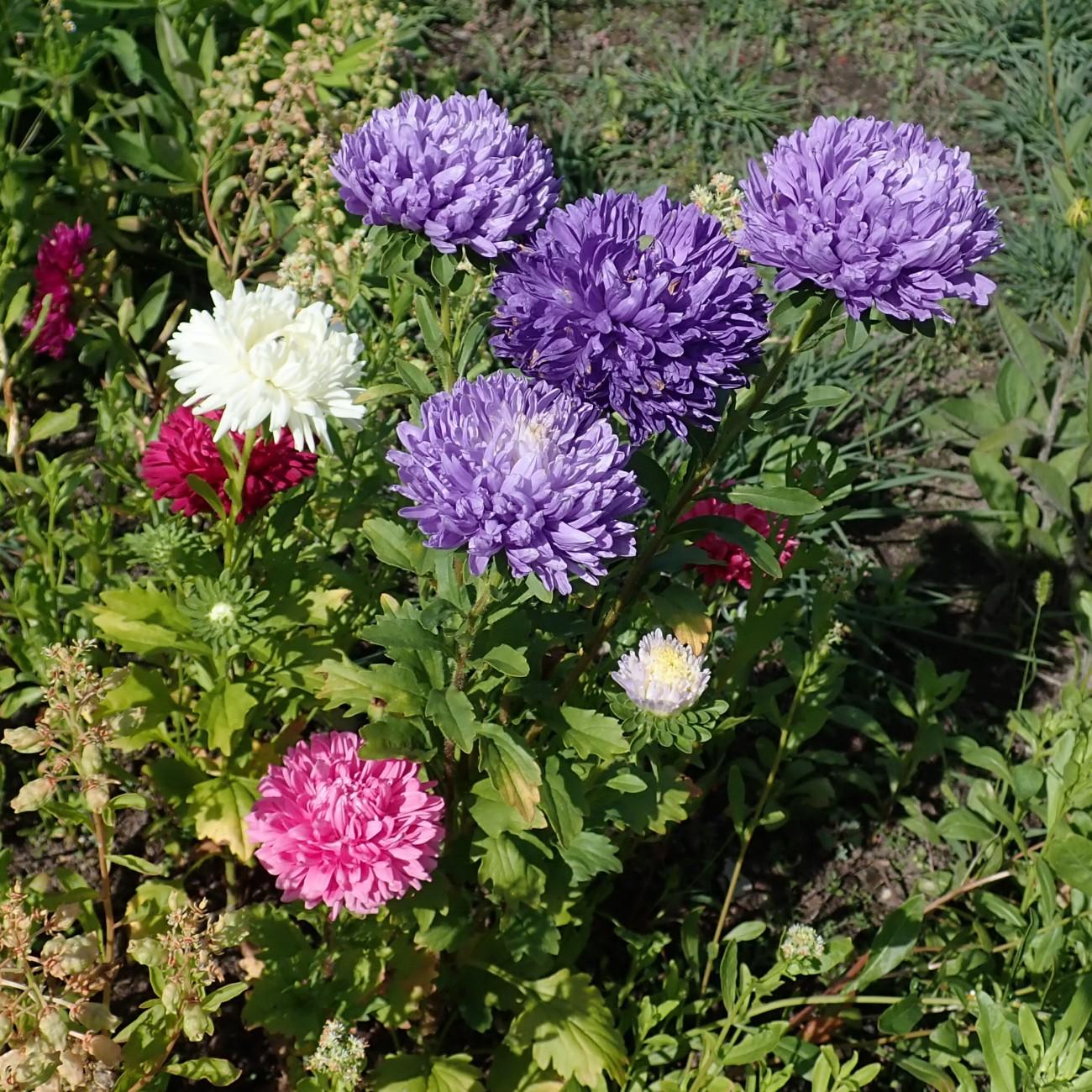
China Aster: Complete Care, Growing Guide, and Varieties
Learn how to grow and care for China aster (Callistephus chinensis), a pet-safe, full-sun flower that delivers long-lasting garden color for months.
2026-07-04 · 17 min read
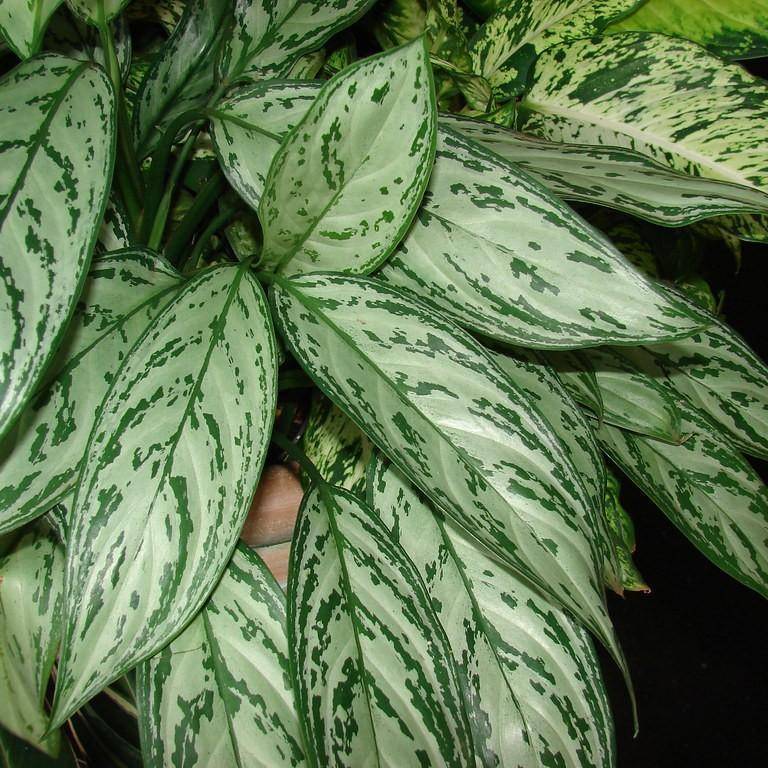
Chinese Evergreen: Care Guide, Varieties, and Growing Tips for Aglaonema
Learn how to care for Chinese evergreen (Aglaonema) houseplants, plus top varieties, troubleshooting tips, and pet safety details for this low-fuss indoor plant.
2026-07-04 · 14 min read
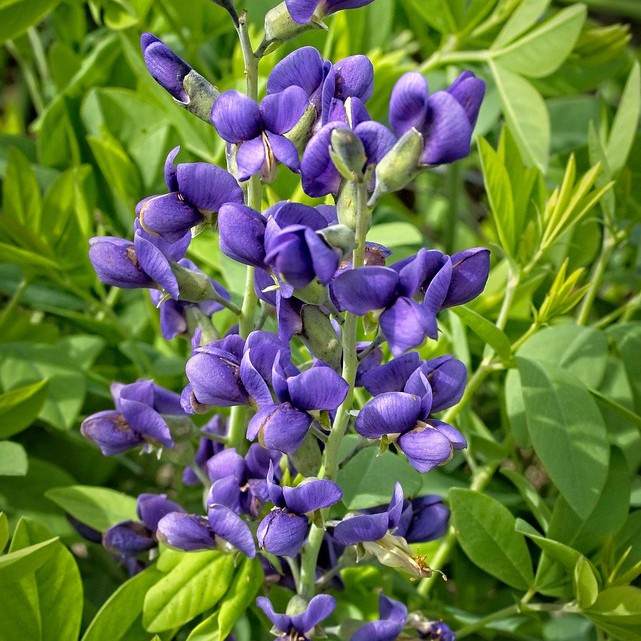
Caryopteris Clandonensis Heavenly Blue: Care, Size, and Growing Guide
Learn how to grow and care for Caryopteris Clandonensis Heavenly Blue, a pet-safe, flowering bluebeard shrub ideal for full-sun gardens.
2026-07-03 · 8 min read